
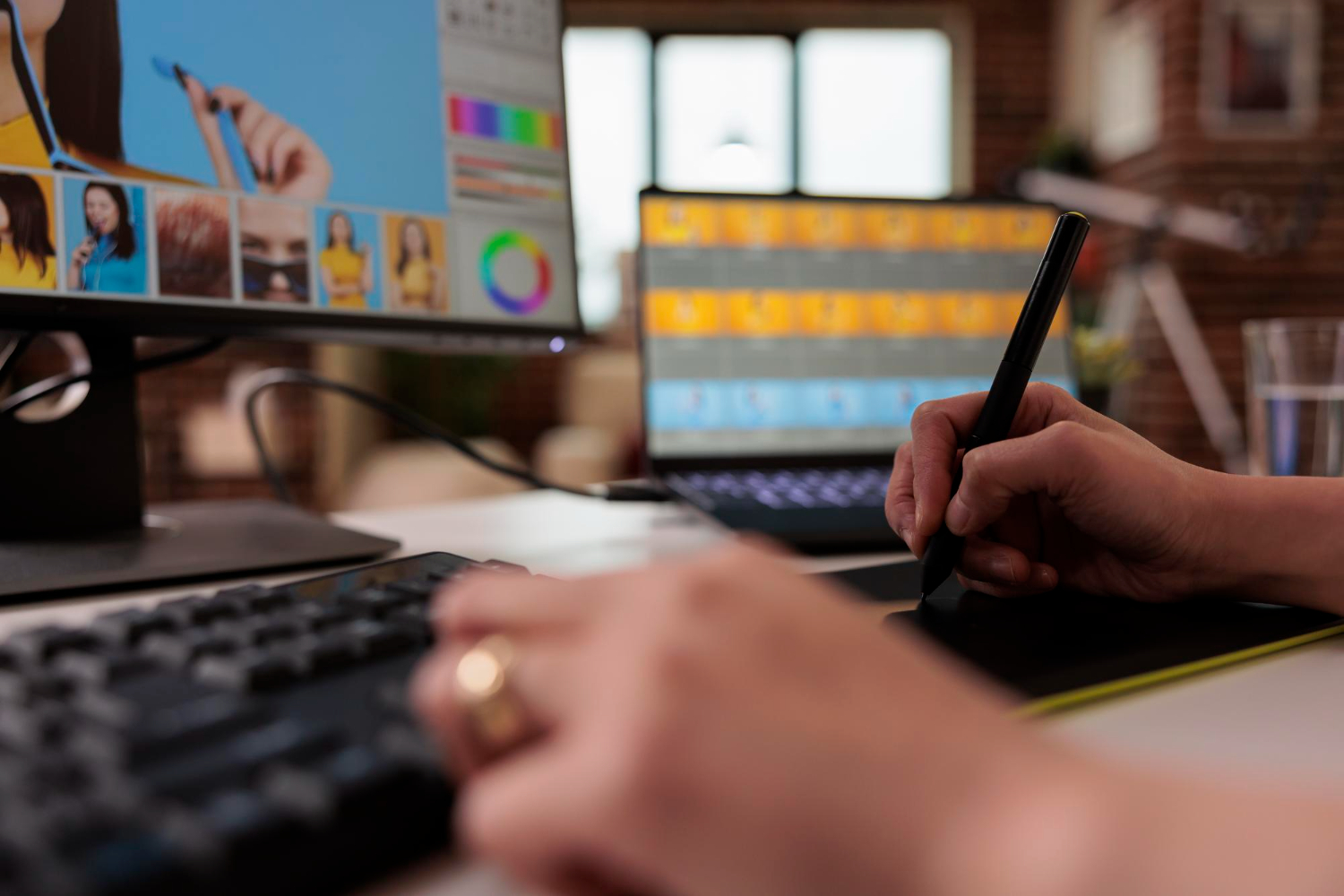
The day I began experimenting with photo editing on mobile devices, I was skeptical about how much they could really achieve compared to the power of desktop tools. For years, desktop programs dominated the creative space, offering a level of precision and control that mobile apps couldn’t match. But with the rapid growth of AI-powered editing tools, I began to notice a shift. Apps that fit into my pocket started delivering results I once thought were only possible on high-end computers.
What surprised me the most was how these apps didn’t just mimic the desktop experience but often went beyond it. They provided automation, intelligent suggestions, and streamlined workflows that removed the steep learning curve of traditional editing. Instead of spending hours trying to perfect an image, I could achieve the same polished effect within minutes.
The Shift Toward AI-Powered Mobile Editing
The convenience of mobile devices has always been their strength. However, in photo editing, convenience used to come at the expense of quality. That tradeoff is disappearing. AI has allowed apps to analyze images, detect flaws, and apply corrections with a level of precision that once required manual effort. I’ve seen apps instantly remove unwanted objects, smooth out skin tones, and adjust lighting in ways that rival my desktop software.
The most compelling part of this transition is how accessible it has become. I don’t need professional training to understand how to use these tools. With AI at the core, many apps do the heavy lifting while still letting me tweak details if I want finer control. This mix of automation and customization is what sets them apart.
Object Removal And Background Editing
One of the clearest examples of mobile AI power is object removal. On desktop software, I used to rely on cloning or painstaking manual retouching to eliminate unwanted elements. Now, I can circle an object with my finger on my phone screen, and within seconds it’s gone without a trace. The algorithms don’t just blur or smear the area; they fill it in with realistic background textures.
Background replacement has also become remarkably easy. Instead of layering masks and carefully blending edges like I would on my computer, AI apps let me switch backgrounds almost instantly. I’ve transformed vacation photos into professional-looking portraits with studio-like backdrops, and the transitions often look flawless.
Automated Enhancements That Save Time
What impresses me most about these apps is their ability to improve images automatically. Whether it’s correcting exposure, balancing colors, or sharpening details, the adjustments are often so well-calibrated that I don’t feel the need to make changes afterward. AI doesn’t just apply random filters, it interprets the context of the photo, whether it’s a portrait, a landscape, or a low-light shot, and makes intelligent adjustments.
When I travel and take photos on the go, I don’t always have the time to sit down and edit them manually. Having an app instantly make them post-ready means I can share memories in the moment without compromising on quality.
Portrait Retouching Made Simple
Portraits used to be among the trickiest edits for me on desktop platforms. Achieving natural skin tones, reducing blemishes, and enhancing features without making the photo look artificial took time and skill. AI photo editing apps simplify this entire process. With a few taps, I can smooth skin, whiten teeth, and brighten eyes while maintaining the authenticity of the subject.
The level of precision is astonishing. Instead of creating that airbrushed, unrealistic look, these apps use algorithms that recognize natural textures. The result feels organic, which is critical for portraits where over-editing can ruin the entire composition.
Creative Filters And Artistic Effects
Beyond corrections, I’ve been impressed by the creative flexibility of mobile apps. They don’t just apply filters for stylistic changes, they adapt effects based on the image itself. Some AI-powered tools allow me to mimic the style of famous paintings, transform photos into sketches, or create cinematic tones that look like they were produced with advanced desktop workflows.
Experimenting with these effects has opened up new ways to express creativity without requiring deep technical knowledge. I can explore multiple styles in minutes, something that would take hours of trial and error on desktop software.
Workflow Efficiency And Integration
One of the biggest advantages I’ve found is how easily mobile AI apps integrate into my workflow. Instead of transferring files between devices, I can shoot, edit, and share photos directly from my phone. Many apps also sync with cloud storage, allowing me to pick up where I left off if I do want to fine-tune edits on my computer later.
This kind of flexibility has saved me significant time. On projects where speed matters, like client work or content creation for social media, I don’t need to rely solely on my desktop setup. I can produce professional-quality results wherever I am.
Limitations That Still Exist
While mobile AI photo editing apps are powerful, I’ve noticed they aren’t flawless. Some advanced tasks like detailed layer manipulation, batch processing large numbers of files, or extremely high-resolution edits still feel better suited to desktops. There are also moments where automation makes assumptions that don’t align with my artistic vision, which means I still need to intervene manually.
That said, these limitations are shrinking. Every update brings smarter algorithms and new features, and I wouldn’t be surprised if future apps eliminate most of the remaining gaps.
How These Apps Compare To Desktop Giants
When I compare mobile apps to desktop software, what stands out is not just their capability but their approachability. Traditional editing tools are still more comprehensive, offering unmatched control for professional designers and photographers. But AI mobile apps close the gap by eliminating complexity. They make editing accessible to people who would otherwise be intimidated by steep learning curves.
For me, the difference comes down to the balance between speed and control. Desktop tools still give me the edge when I want absolute precision, but mobile apps have become my go-to for fast, high-quality results.
The Future Of AI Photo Editing
Looking at the pace of development, I believe mobile AI apps will soon surpass desktops in more than just convenience. They are evolving rapidly, integrating features like real-time collaboration, voice-guided editing, and even predictive adjustments that learn my style over time. If this continues, photo editing could become less about manual skill and more about guiding intelligent systems to achieve a vision.
The future may involve hybrid systems where mobile apps and desktop programs work seamlessly together. I can already see hints of this with cross-device syncing, but I imagine a time when I’ll start an edit on my phone and finish it on my desktop with all AI adjustments fully intact.
Conclusion
Exploring AI photo editing apps has completely changed how I approach creative projects. What I once thought of as a compromise now feels like an upgrade in many situations. These tools save me time, simplify my workflow, and still give me the quality I expect.
Desktop software remains important, especially for intricate projects, but the gap has narrowed dramatically. For quick edits, portraits, and creative transformations, I often find myself reaching for my phone instead of my computer. The convenience, intelligence, and creativity of AI-powered apps prove that mobile platforms can stand shoulder to shoulder with traditional software, reshaping what I thought was possible in photo editing.
