
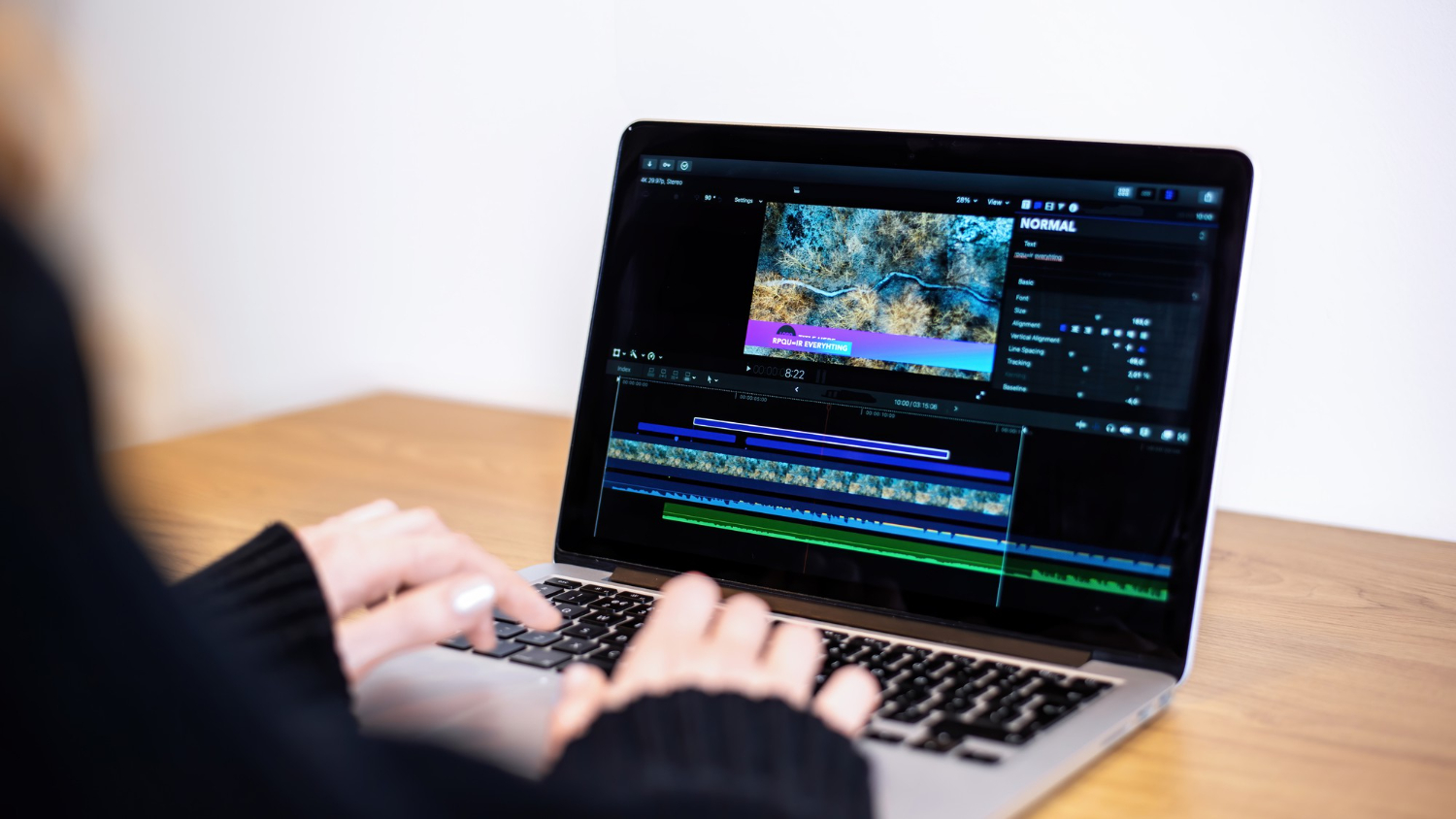
AI video editing has completely changed the way I approach creating and producing content. The ability to automate repetitive tasks, enhance footage, and generate creative edits has made video production faster, more efficient, and surprisingly intuitive. For someone starting out, the idea of AI stepping into the creative process might seem overwhelming, but it’s actually a tool that can complement human creativity rather than replace it. In this article, I will walk you through my experience and share a practical approach to using AI for video editing, from the basics to hands-on techniques that beginners can implement immediately.
What AI Brings to Video Editing
AI in video editing is more than just automation. I’ve found that it can analyze footage, identify key moments, apply stylistic enhancements, and even suggest edits based on patterns it detects. Unlike traditional editing software, which relies heavily on manual input, AI tools can perform tasks such as color correction, scene detection, object tracking, and audio synchronization almost instantly.
This capability allows me to focus on creative decisions instead of getting bogged down by technical minutiae. For example, instead of manually trimming hundreds of clips, AI can identify highlights, detect transitions, and organize footage efficiently. I’ve also used AI for generating subtitles and captions automatically, which saves a tremendous amount of time while ensuring accuracy.
Setting Up Your Workspace
The first step in using AI for video editing is setting up a workspace that supports both creativity and computational requirements. I start with a computer that has a powerful GPU, sufficient RAM, and fast storage to handle large video files. Many AI video editing tools leverage GPU acceleration to perform real-time processing, so hardware matters.
I also organize my media library before starting any project. I categorize footage, audio tracks, and assets, making it easier for AI tools to process and reference them. Clean organization reduces errors and ensures smoother workflow, especially when working on longer projects with multiple clips.
Choosing the Right AI Video Editing Tool
Selecting a tool can feel daunting given the number of options available. My approach is to match the tool’s capabilities to the project requirements. Some AI tools excel at automatic editing, generating short-form content quickly from raw footage. Others focus on enhancement, applying color grading, noise reduction, or stabilization automatically.
I often experiment with a few tools to determine which one aligns with my workflow. Many offer free trials, allowing me to test their AI features on sample footage. By exploring different options, I can leverage the strengths of each tool while avoiding unnecessary complexity.
Importing and Organizing Footage
Once the software is ready, I import all relevant footage into the project. AI tools often require metadata to operate effectively, so I ensure that filenames, timestamps, and file structures are consistent. Some tools can scan footage to detect faces, objects, or motion, which helps in generating meaningful edits later.
I create bins or folders within the software to separate clips by type, scene, or camera angle. Proper organization allows AI to analyze footage more accurately and reduces the need for manual corrections. For longer projects, I also tag clips with keywords or descriptors, which can speed up automated sorting and highlight identification.
Automated Editing Techniques
One of the first things I explore is automated editing. AI can analyze footage and suggest sequences, transitions, and pacing that match the content’s tone. For example, when editing a travel video, AI might identify scenic shots, quick cuts, and audio cues to create a dynamic timeline automatically.
I can also customize the AI’s behavior by adjusting parameters such as clip length, transition style, or highlight focus. These settings allow me to maintain creative control while benefiting from AI’s speed and consistency. I often use automated editing as a draft, then refine the results manually to add a personal touch.
Enhancing Footage with AI
Enhancement features are another area where AI truly shines. I’ve used AI-driven color correction to adjust exposure, white balance, and contrast across multiple clips simultaneously. The AI analyzes the overall visual style and applies corrections consistently, which saves hours of manual work.
Noise reduction and stabilization are equally impressive. Footage that once appeared shaky or grainy can be transformed into smooth, professional-looking sequences. AI tracks motion and applies corrections intelligently, preserving natural movement without introducing artifacts.
Super-resolution and upscaling are additional tools I use when working with older or lower-resolution footage. AI can increase image quality while minimizing distortion, allowing me to repurpose legacy content for modern projects.
Audio Optimization
Video is only as strong as its audio, and AI tools handle audio editing impressively. I often use AI to clean background noise, balance volume levels, and synchronize dialogue automatically. Some tools even detect speech patterns and add subtitles or closed captions in real time.
For music and sound effects, AI can suggest tracks that match the mood of the scene or automatically adjust tempo to match visual pacing. This capability allows me to experiment with audio-visual synergy without spending hours manually aligning tracks.
Scene Recognition and Object Tracking
Advanced AI tools can detect scenes, objects, and motion patterns within footage. I’ve leveraged this for tasks like tracking a moving subject across multiple shots or highlighting specific objects throughout a video.
Scene recognition is particularly useful for creating highlight reels. The AI identifies key moments, such as actions or reactions, and compiles them into a cohesive sequence. Object tracking, on the other hand, allows for precise effects, like blurring faces or highlighting products in promotional videos.
Customization and Creative Control
Despite the power of AI, I always maintain creative control. AI-generated edits serve as a foundation, but my input shapes the final product. I adjust transitions, tweak pacing, and select shots that convey the story most effectively.
I’ve discovered that AI is best used as an assistant rather than a replacement. By delegating repetitive tasks, I can focus on storytelling, aesthetics, and emotional impact, areas where human intuition is essential. AI accelerates the technical process, but creative judgment remains my responsibility.
Exporting and Sharing
Once editing is complete, exporting becomes the next focus. AI tools often offer presets optimized for different platforms, such as social media, streaming services, or broadcast. I select the appropriate settings, ensuring resolution, aspect ratio, and bitrate meet the intended audience’s needs.
Some AI tools can even automate multiple exports at once, generating versions for YouTube, Instagram, and TikTok simultaneously. This multi-format capability is a massive time-saver for content creators targeting multiple channels.
Iterative Improvement
Video editing is rarely linear. After reviewing the initial edit, I often make adjustments to timing, effects, or audio. AI tools facilitate iterative improvement by retaining project history and allowing rapid re-rendering of changes.
Feedback from peers or audiences often informs the next iteration. AI accelerates the process by implementing technical adjustments quickly, enabling me to focus on fine-tuning narrative and visual appeal.
Learning Best Practices
Even as a beginner, I’ve learned that AI video editing requires a combination of experimentation and adherence to best practices. Keeping footage organized, maintaining high-quality audio, and providing clear metadata dramatically improve AI performance.
I also track performance metrics such as rendering time, AI suggestions’ accuracy, and output quality. These insights guide me in selecting the most efficient workflows and adjusting AI parameters for better results.
Ethical and Creative Considerations
Using AI in video editing raises both ethical and creative questions. I ensure that any AI-generated content respects copyright, privacy, and consent. AI can manipulate footage in ways that are misleading or unethical, so I remain vigilant about responsible usage.
From a creative standpoint, I balance AI assistance with human intuition. While AI can generate edits rapidly, my role as a storyteller is to decide what conveys the intended message effectively. Ethical and creative judgment ensures that AI enhances rather than undermines my work.
Scaling Projects
Once comfortable with AI video editing, scaling projects becomes feasible. I can process multiple videos simultaneously, automate repetitive tasks across projects, and implement batch enhancements efficiently. This scalability is particularly valuable for content creators managing high volumes of footage.
I also explore collaborative workflows where AI tools assist multiple team members. Each person focuses on their strengths, storytelling, sound design, or visual effects, while AI handles routine technical tasks. The result is faster production with consistent quality.
Continuous Learning
AI video editing is evolving rapidly, and continuous learning is essential. I experiment with new tools, follow industry trends, and practice with diverse footage types. Each project teaches me more about leveraging AI’s capabilities effectively while maintaining creative vision.
I also participate in online communities and tutorials to discover hidden features, optimization techniques, and innovative approaches. Staying updated ensures that my skills evolve alongside the technology, keeping my content competitive and fresh.
Conclusion
AI video editing has transformed the way I create and manage visual content. By automating technical tasks, enhancing footage, and offering creative suggestions, AI allows me to focus on storytelling and artistic expression. Beginners can start by organizing footage, experimenting with automated editing, and gradually integrating enhancement, audio optimization, and scene recognition tools.
The key takeaway from my experience is that AI serves as an assistant rather than a replacement. It accelerates workflows, improves efficiency, and opens possibilities that would be difficult to achieve manually. With responsible use, continuous learning, and a balance between automation and creative control, AI video editing can empower anyone to produce professional-quality videos with confidence and speed.
